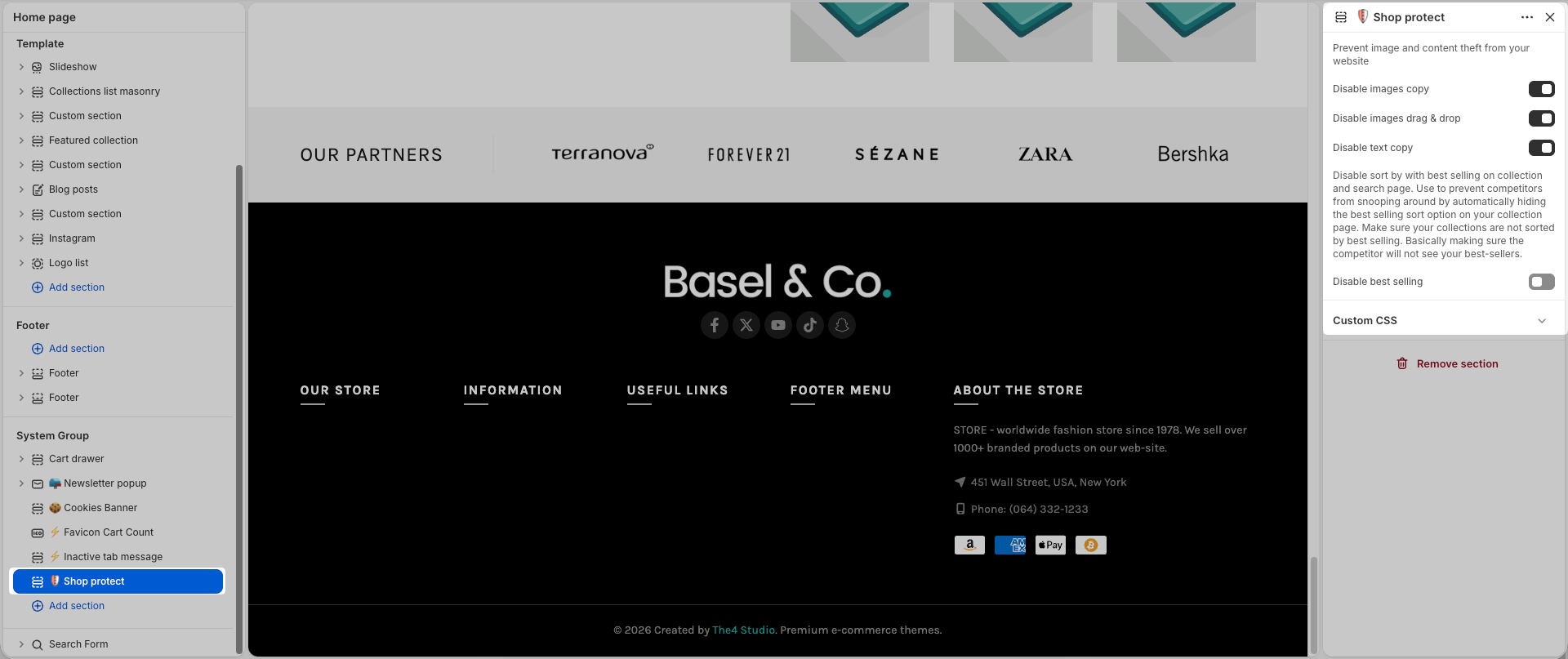
Enhance your store experience with a collection of useful features designed to improve navigation, engagement, and store functionality.
1. Back to top
Back to top button helps you can move to the top of the page instantly with a click.
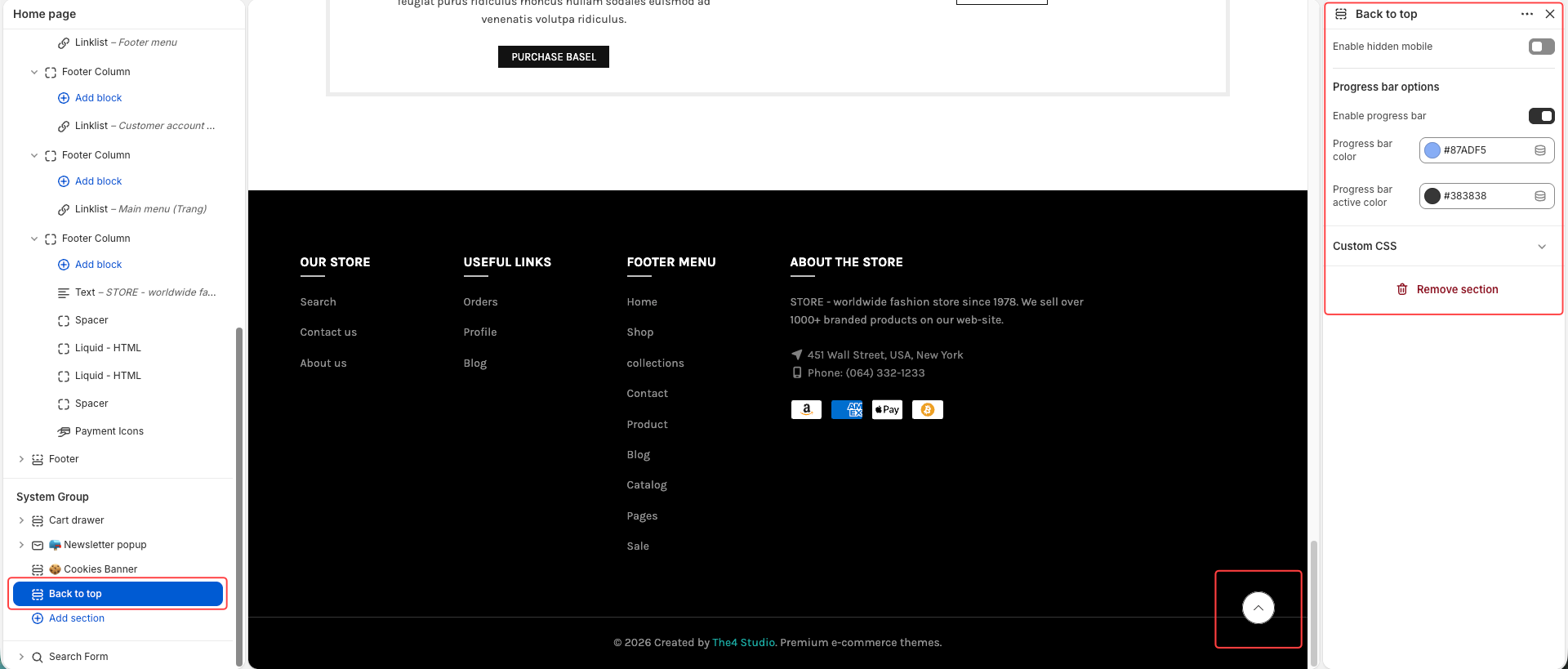
Enable hidden mobile: Hide the back-to-top button on mobile devices when turned on.
Enable progress bar: Show a scroll progress bar that indicates how far the user has scrolled down the page.
Progress bar color: Set the background color of the progress bar.
Progress bar active color: Set the active (filled) color of the progress bar as the user scrolls.
2. Favicon Cart Count
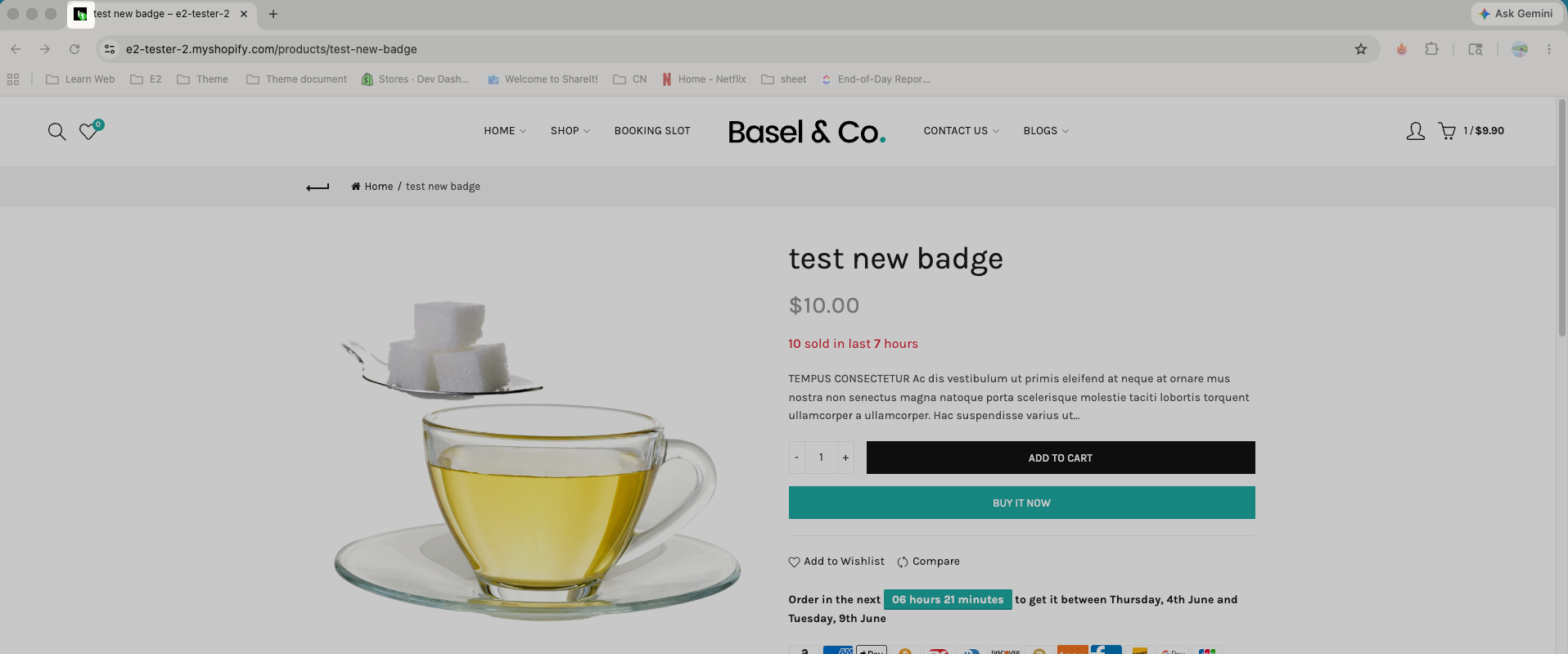
Display the number of items added to the cart over the browser's favicon. You can not see it preview on admin editor, only shows when preview the live page.
Below is the setting:
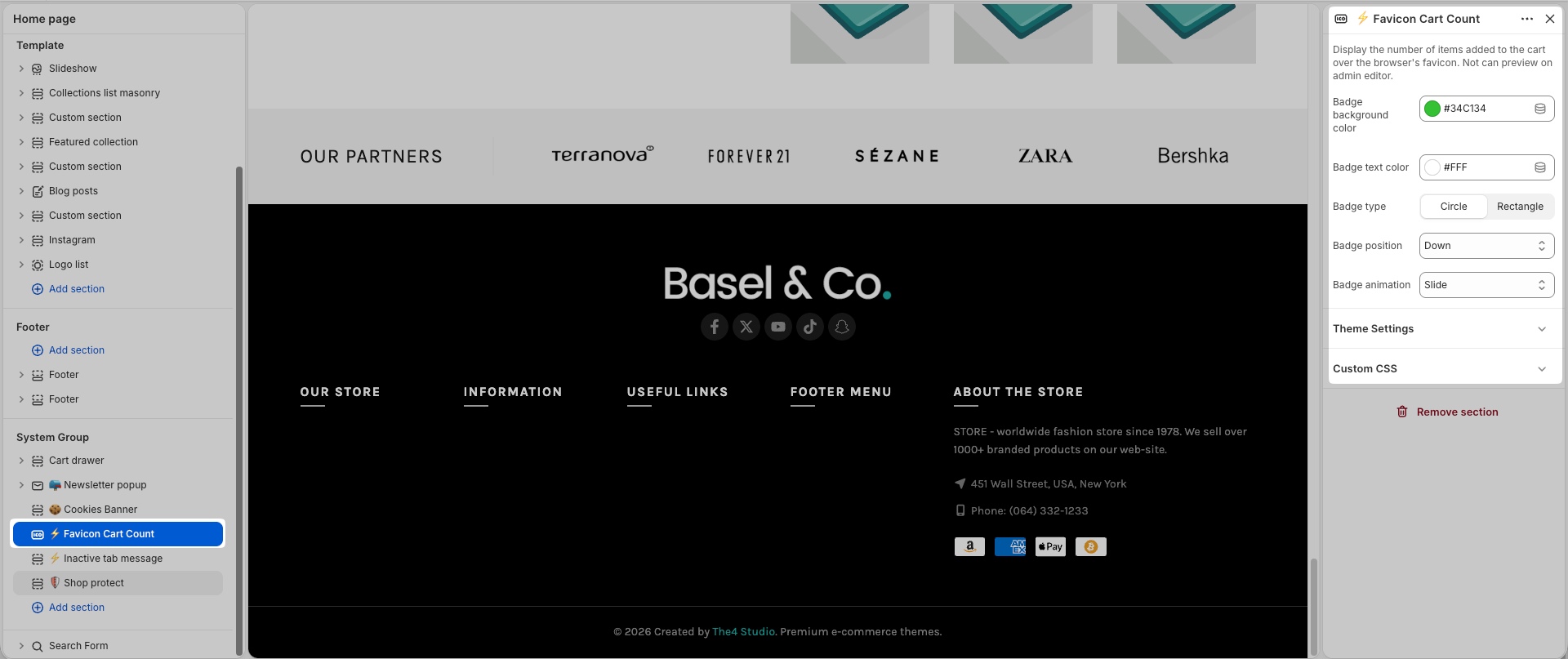
Badge background color: Sets the background color of the cart count badge.
Badge text color: Defines the color of the text (number) displayed on the badge.
Badge type: Lets you choose the shape of the badge – either Circle or Rectangle.
Badge position: Controls where the badge appears relative to the favicon (e.g., above, down, etc.).
Badge animation: Determines the animation style when the badge updates, such as Slide.
3. Snow effect
The Snow Effect displays snowflakes gently falling across the screen.
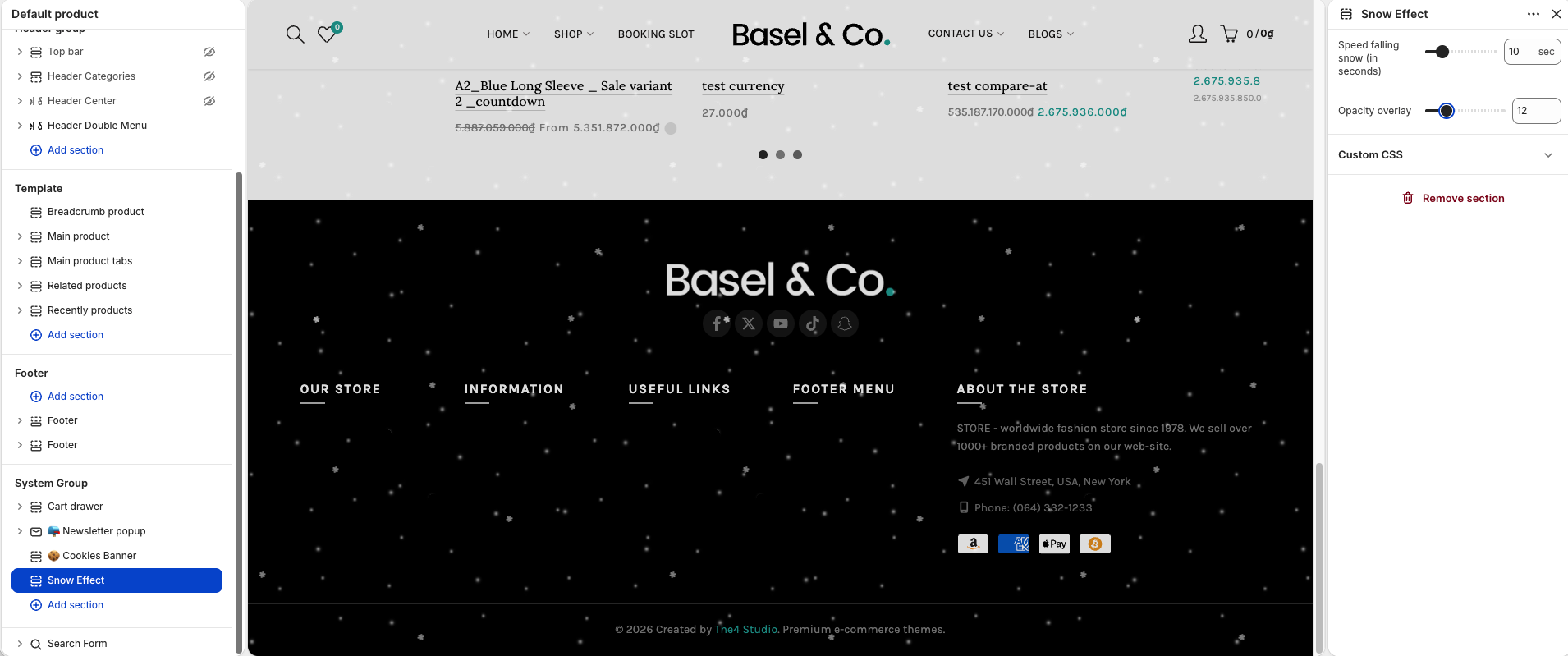
Speed falling snow: Adjust how fast the snowflakes fall.
Background opacity: Control the transparency of the background overlay behind the snow effect.
4. Inactive tab message
This feature helps bring visitors back to your store by changing the browser tab title when they leave the page.
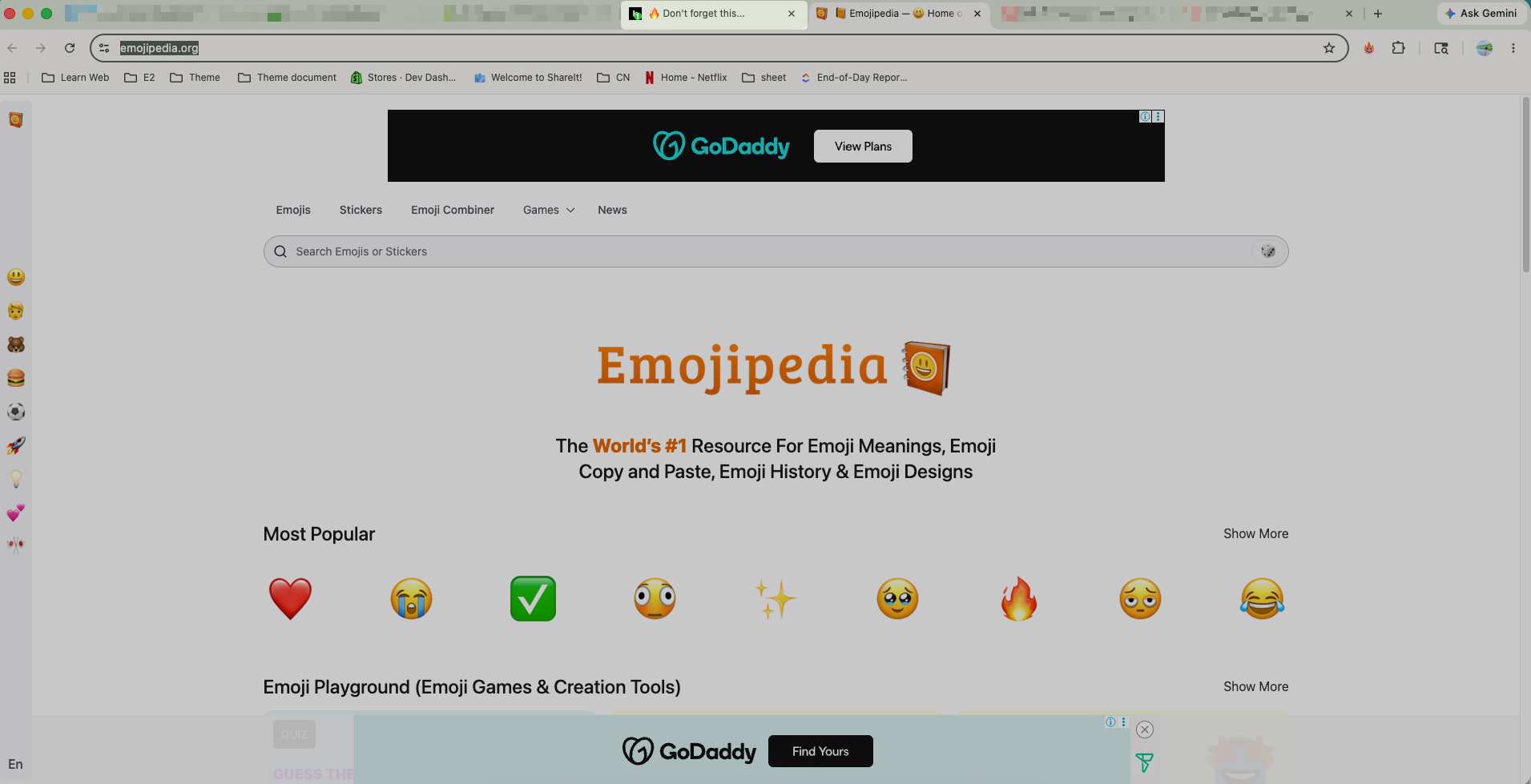
You can customize the message displayed on the tab title and add emojis to make it more eye-catching and engaging for your visitors.
Message Text: Enter the text you want to display on the browser tab.
Delay: Set the time between each message transition.
Use “;” to create multiple rotating messages.
You can also use emojis, emojis 2 to make the messages more attractive and noticeable.
5. Shop protect
This feature helps you prevent image and content theft from your website. The visitor can not copy text, images from your store. Besides, you can hide the best selling products in the sort-by.