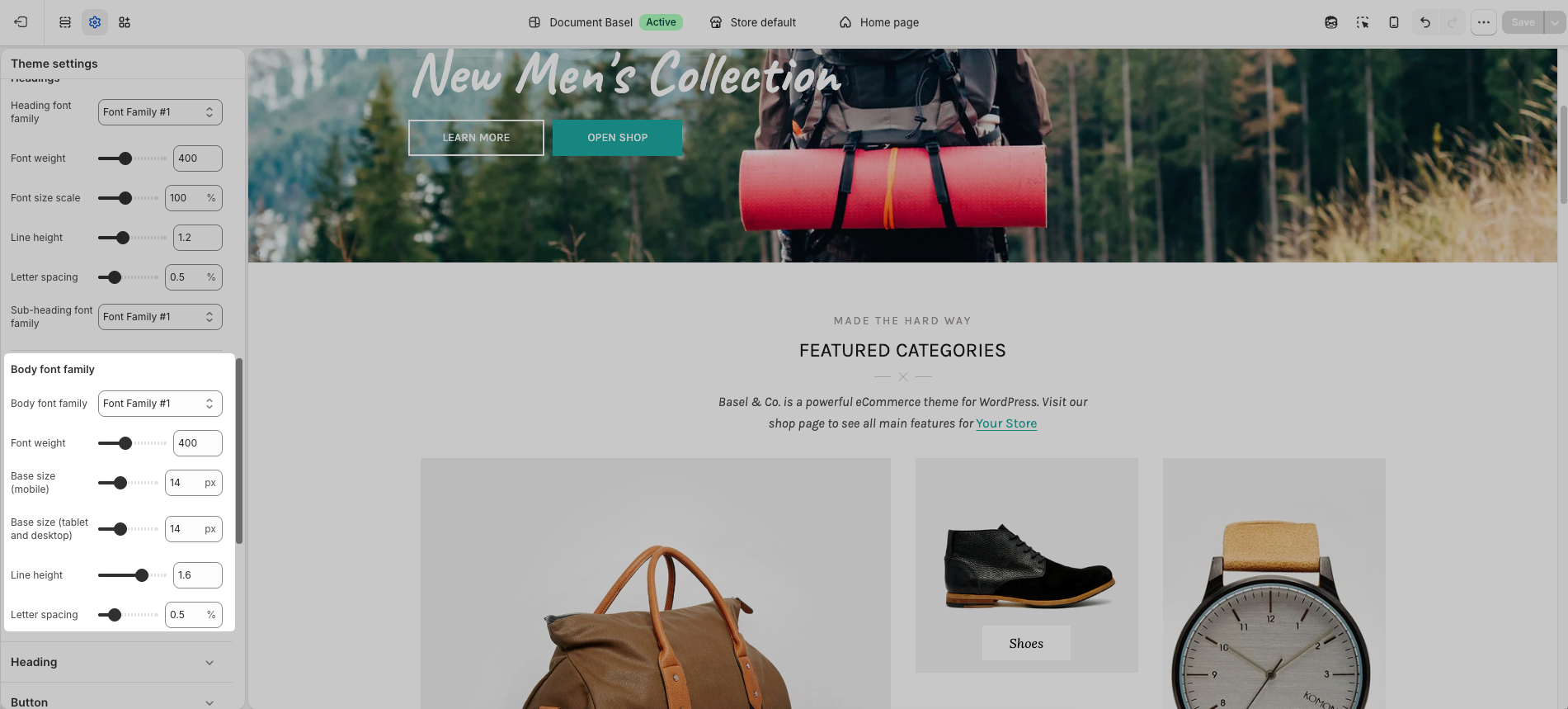
This is where you can set up the fonts for your store. You can use Shopify fonts or Google Fonts. If you would like to use a custom font, you can use the Fontify app.
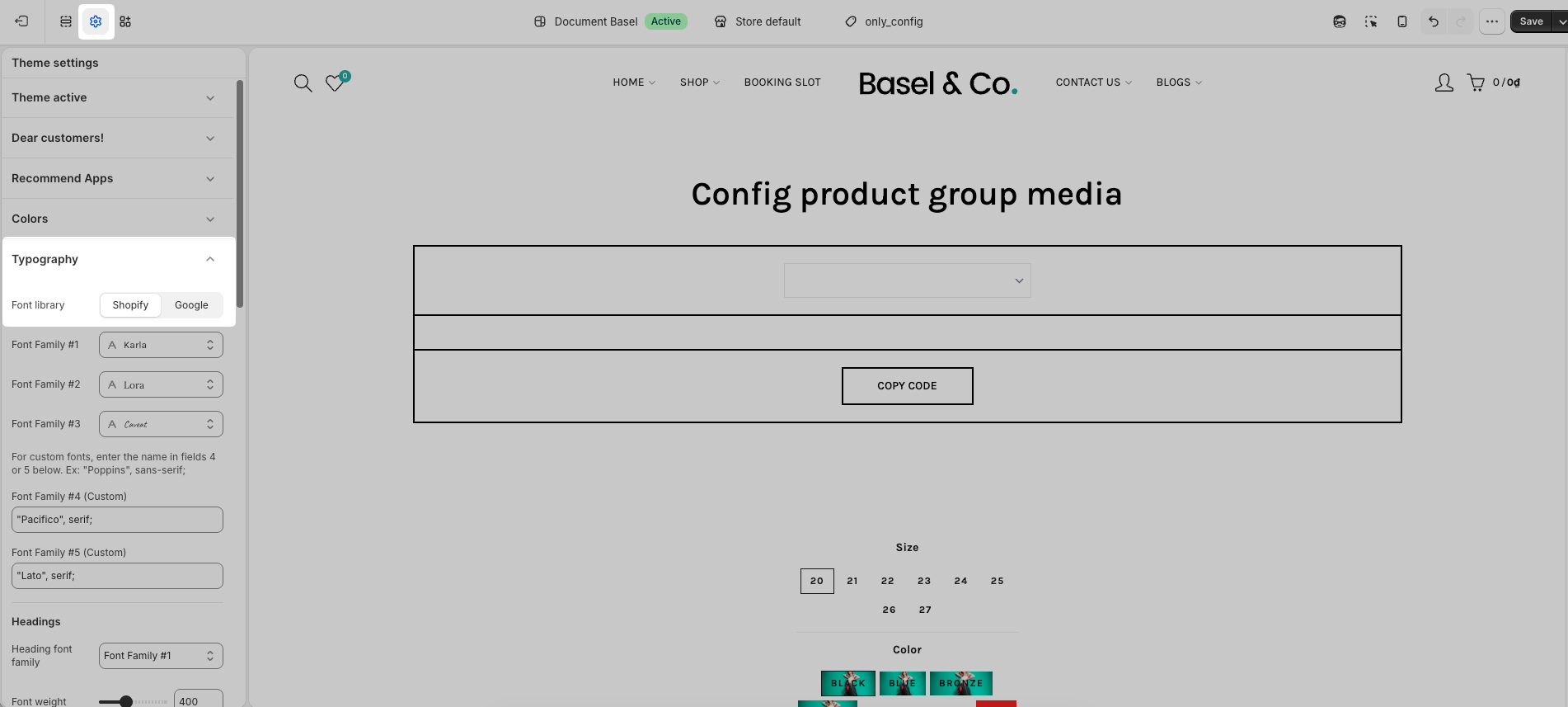
1. Font Source
You can choose to use fonts from either Shopify Fonts or Google Fonts.
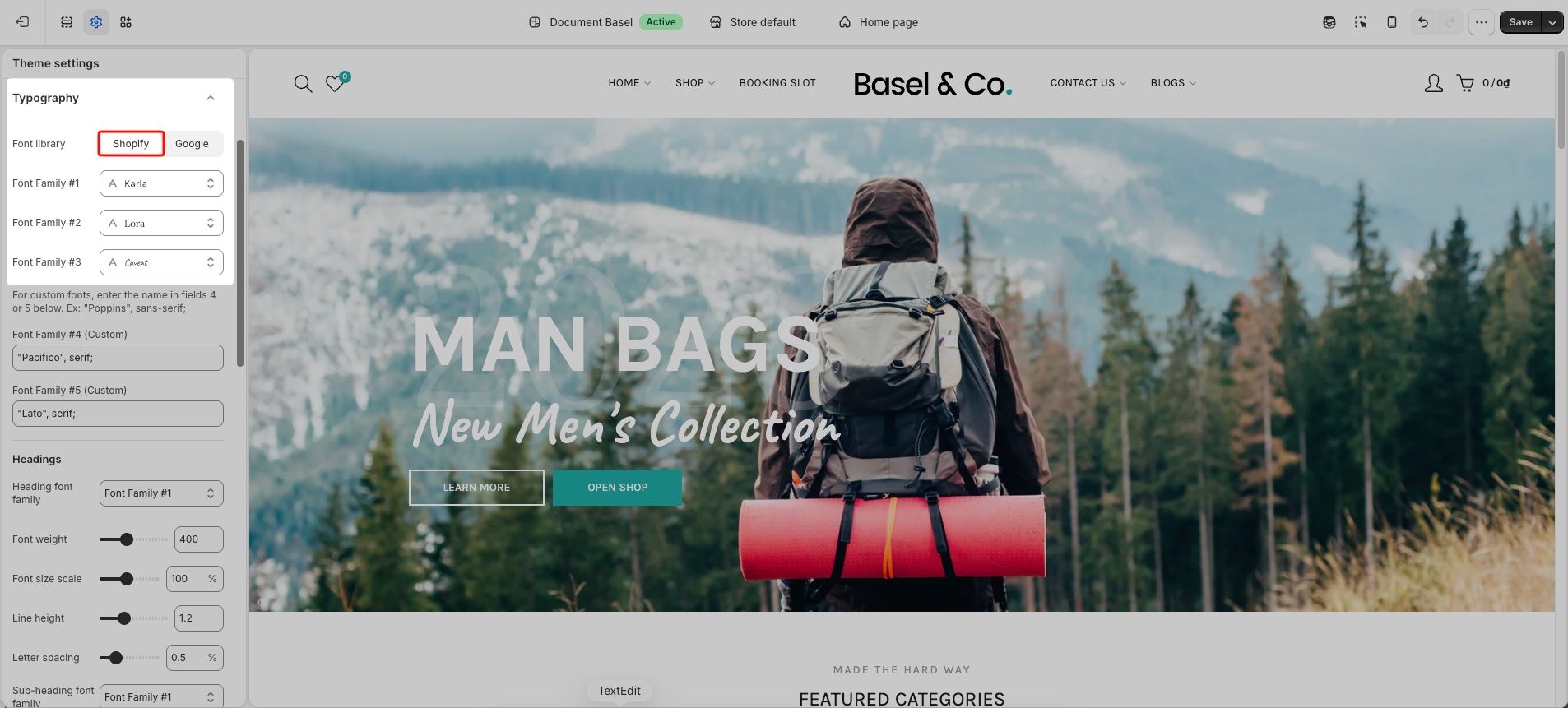
Shopify Fonts
If you use Shopify Fonts, simply click and select the font you want to use.
The theme provides three Font Family options for Shopify fonts.
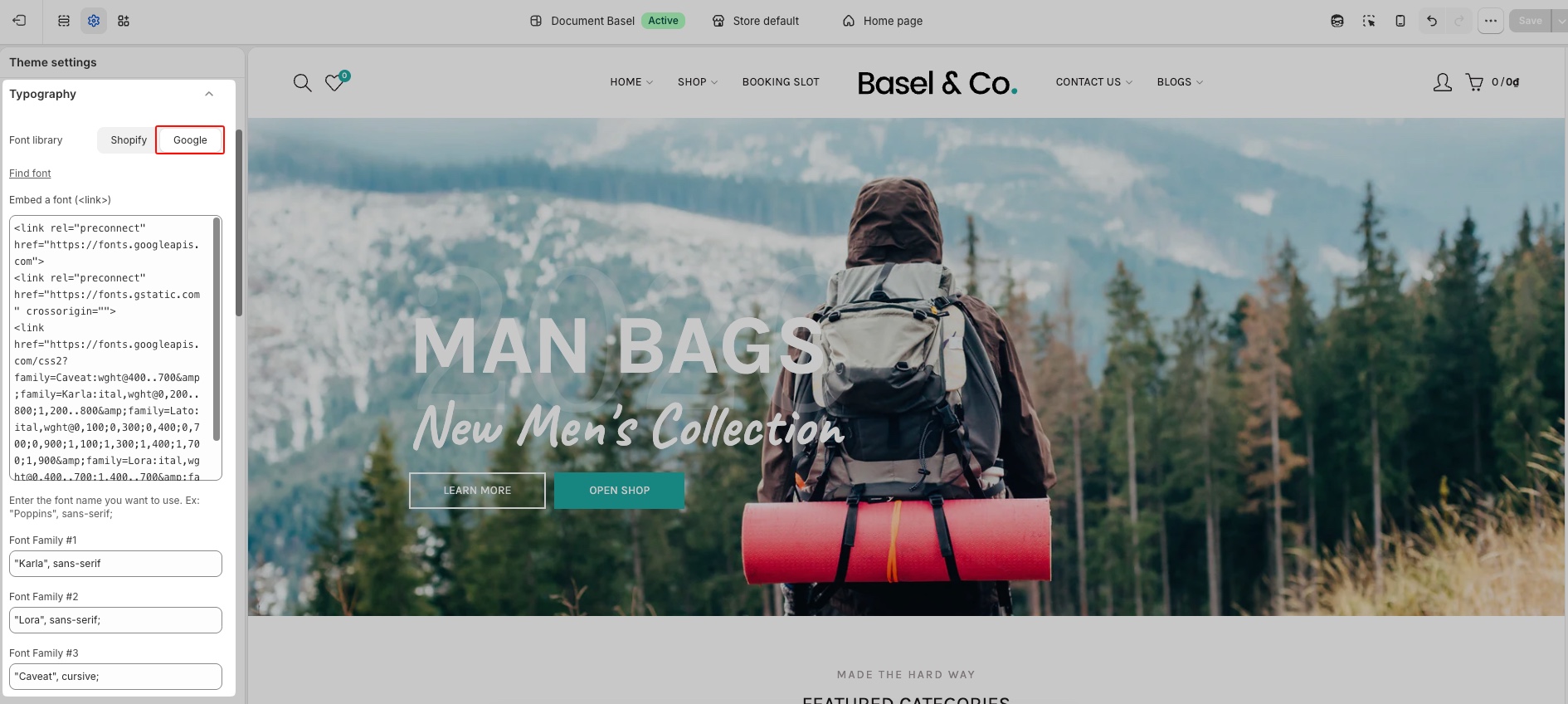
Google Fonts
If you use Google Fonts, please fill in the required fields below:
Find Font: Click the Find Font link to search Google Font.
Embed Font (
<link>): Paste the Google Font embed link for the font you want to display.After that, enter the font name you want to use
Custom Fonts
Font Family 4 and Font Family 5 are reserved for custom fonts.
2. Headings
Applies to all headings, subheadings, and H1 - H6 tags.You can select the font family for headings from the fonts you set up in Section 1.
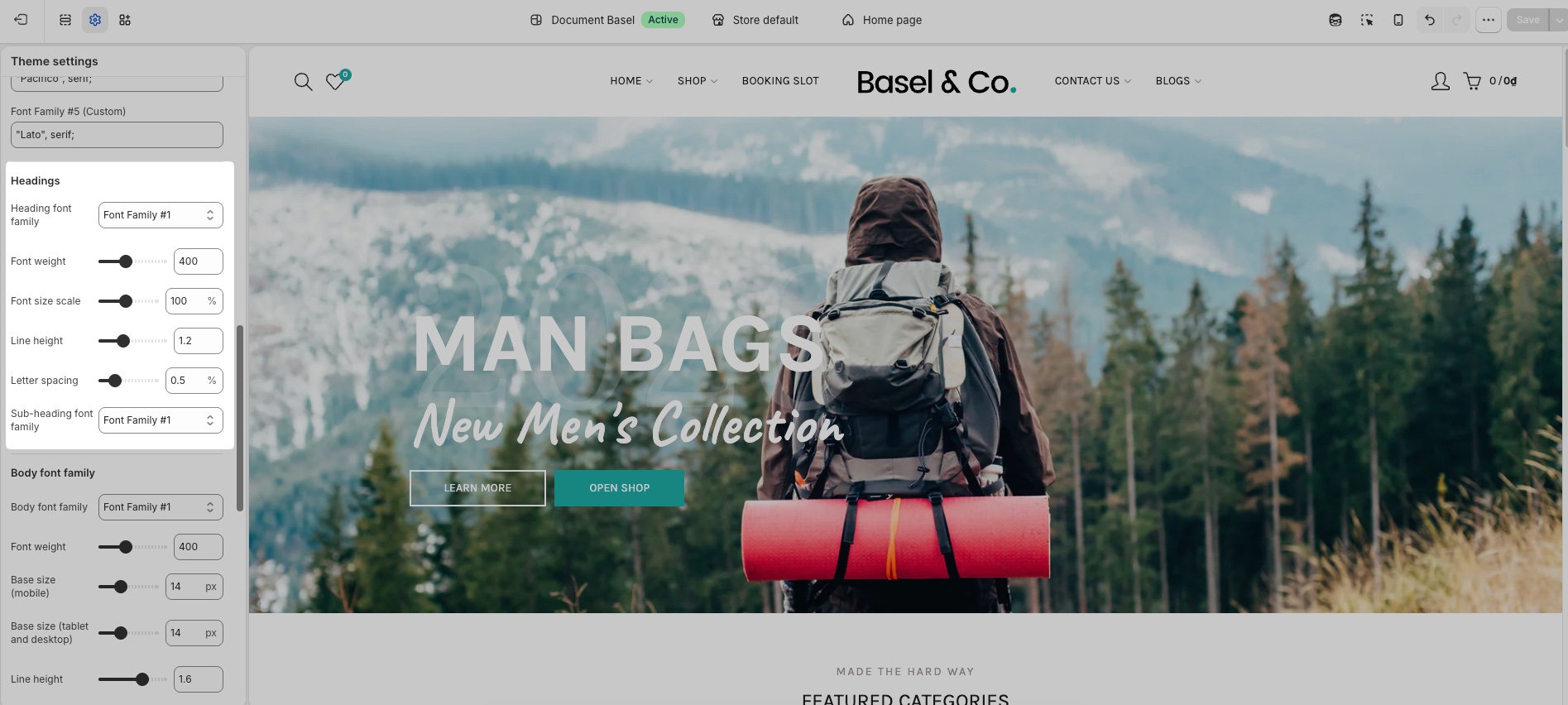
3. Body font family
Applies to paragraph text and regular content. You can select the font family for body from the fonts you set up in Section 1.