



1. What are color schemes?
The colors of elements in the theme are controlled by Color Schemes. Color Schemes allow you to create predefined color sets that can be applied consistently across your entire website.
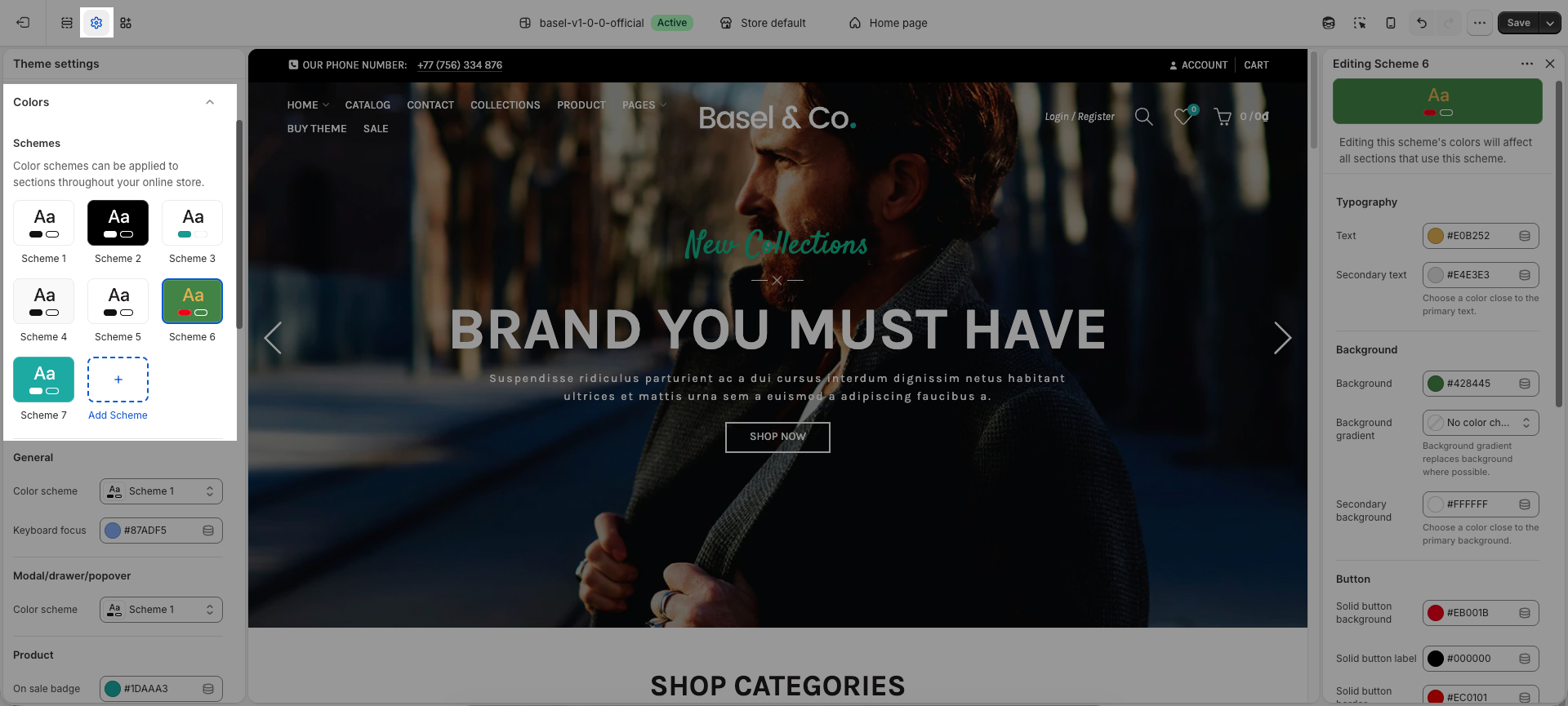
Each section includes a Color Scheme option in its settings. You can apply the same Color Scheme to multiple sections if you want their colors to remain consistent.
When multiple sections use the same Color Scheme, any change made to that scheme will automatically update the colors for all sections using it.
If you want to change the colors of one section without affecting others, simply select a different color scheme for that section.
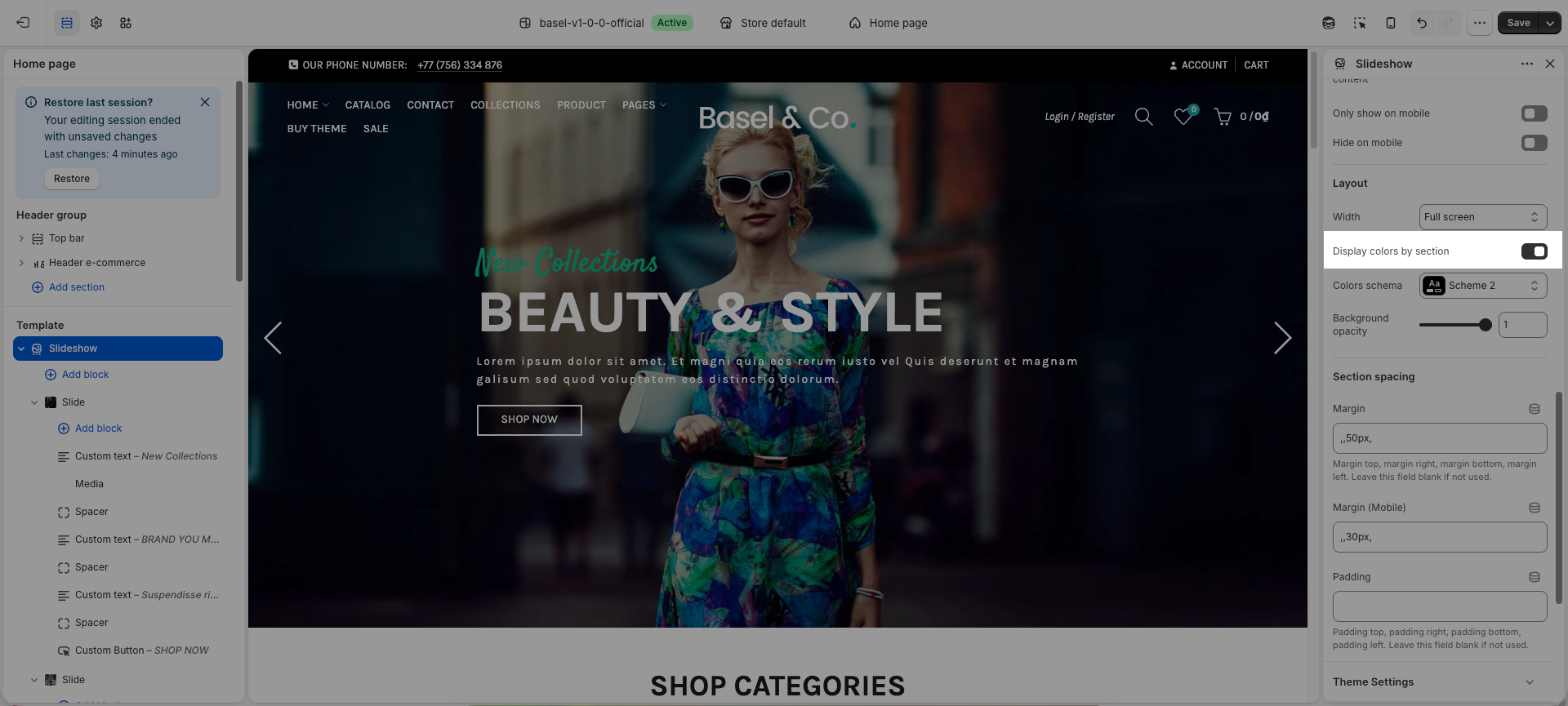
2. How to adjust color with color scheme?
Below are some examples to help you better understand how to change colors using Color Schemes.
2.1. Normal section
In this example, we will use the Custom section to demonstrate how color customization works. Other sections can be customized in the same way.
Within the Color Scheme, you can customize colors for elements such as Text, Buttons, Background, Overlay, and more.
2.2. Product cards
For sections that use a product card layout, such as the Collection page, Featured Collection, and similar sections, you can follow the video below to learn how to change the colors for the price, title, and buttons.
2.3. Badges
Go to Theme Settings > Color
You will scroll down, find Product badges part. Here you can customize badge colors such as sale badges, new badges, custom labels,...
2.4. Notices
Config colors for success, warning, and error messages in the theme.

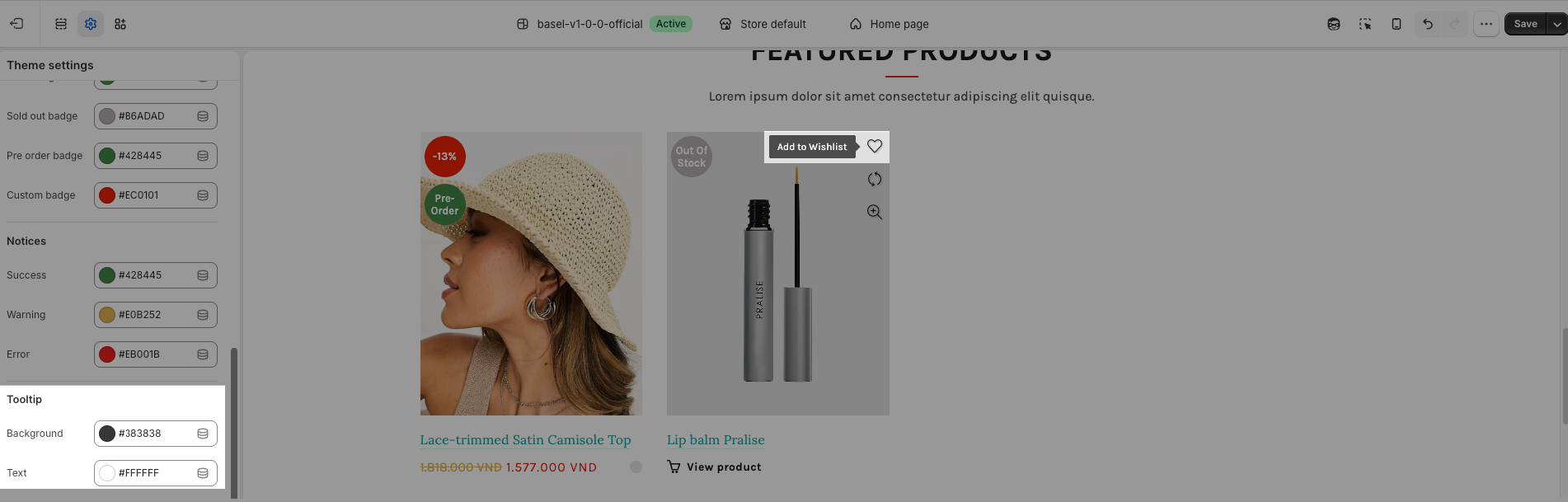
2.5. Tooltip
The tooltip shows when you hover the mouse over some buttons like wislish, compare,..
2.6. Keyboard focus
Keyboard focus color shown when navigating with the Tab key.


