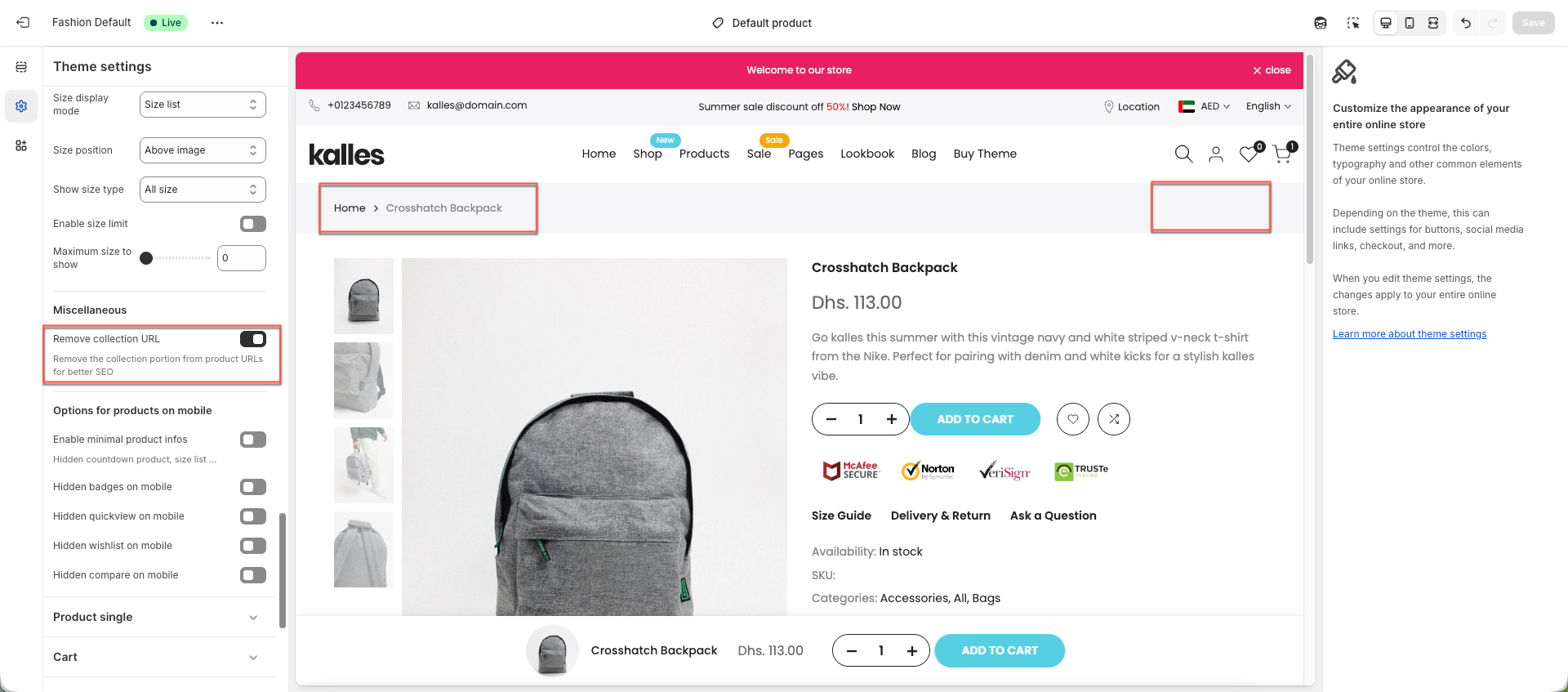
Breadcrumb nav displays the path of the current page within your store. This section explains how to enable, disable, and configure breadcrumbs in the theme, along with the available settings so you can adjust them to fit your store’s needs.
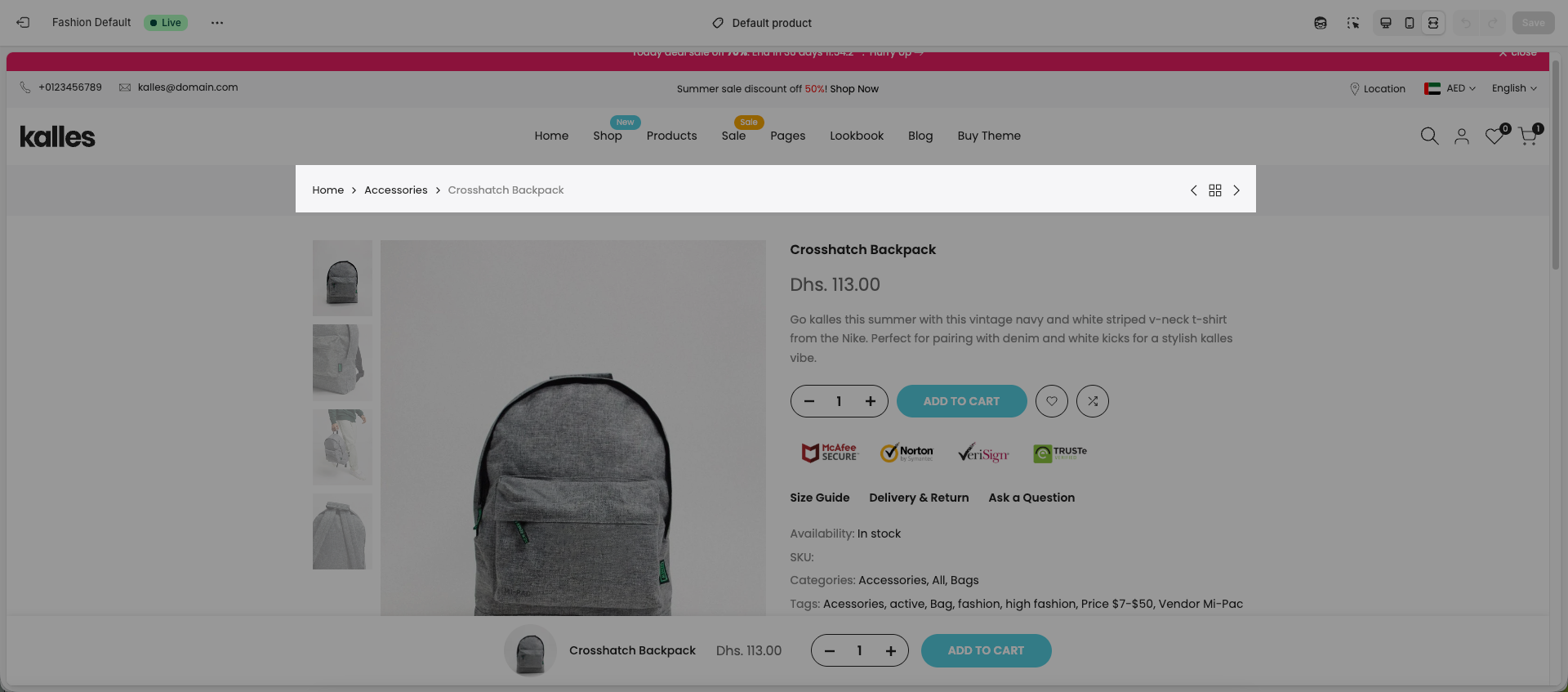
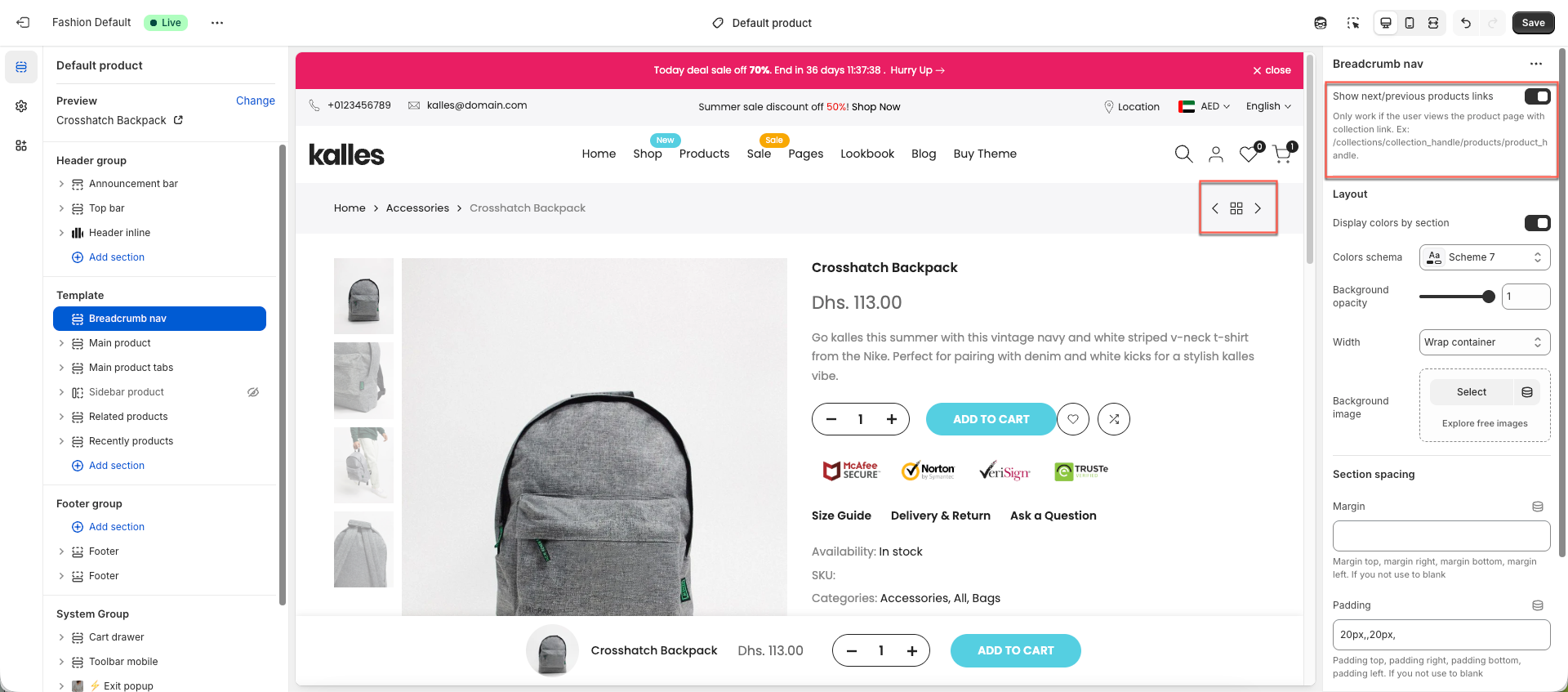
When you enable the Show next/previous products links option, a navigation control will appear on the right side of the product page, allowing you to click the arrows to move to the next or previous products.
One important option to note here is Remove collection URL option.
You can find this option in. Theme settings > Product card > Remove collections URL. Normally, when you view a product from a collection, the product URL includes the collection path.
Example: http://yourshopifydomain.com/collections/collection_handle/products/product_handle
However, when this option is enabled, the collection part in the URL will be removed, which is better for SEO.
Example: http://yourshopifydomain.com/products/product_handle
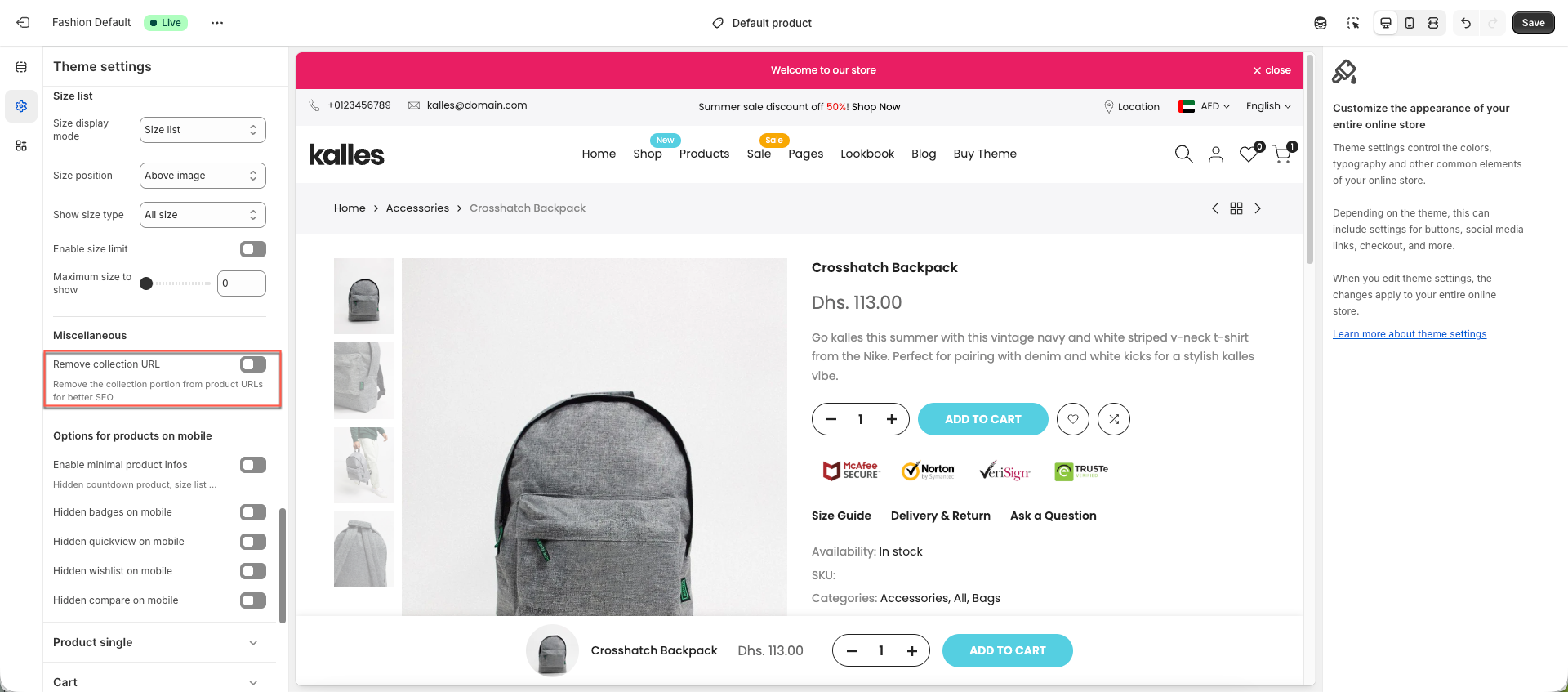
Enabling Remove collection URL option also means the theme cannot detect which collection the product belongs to. As a result, the collection will no longer appear in the breadcrumb, and navigation will not be visible.