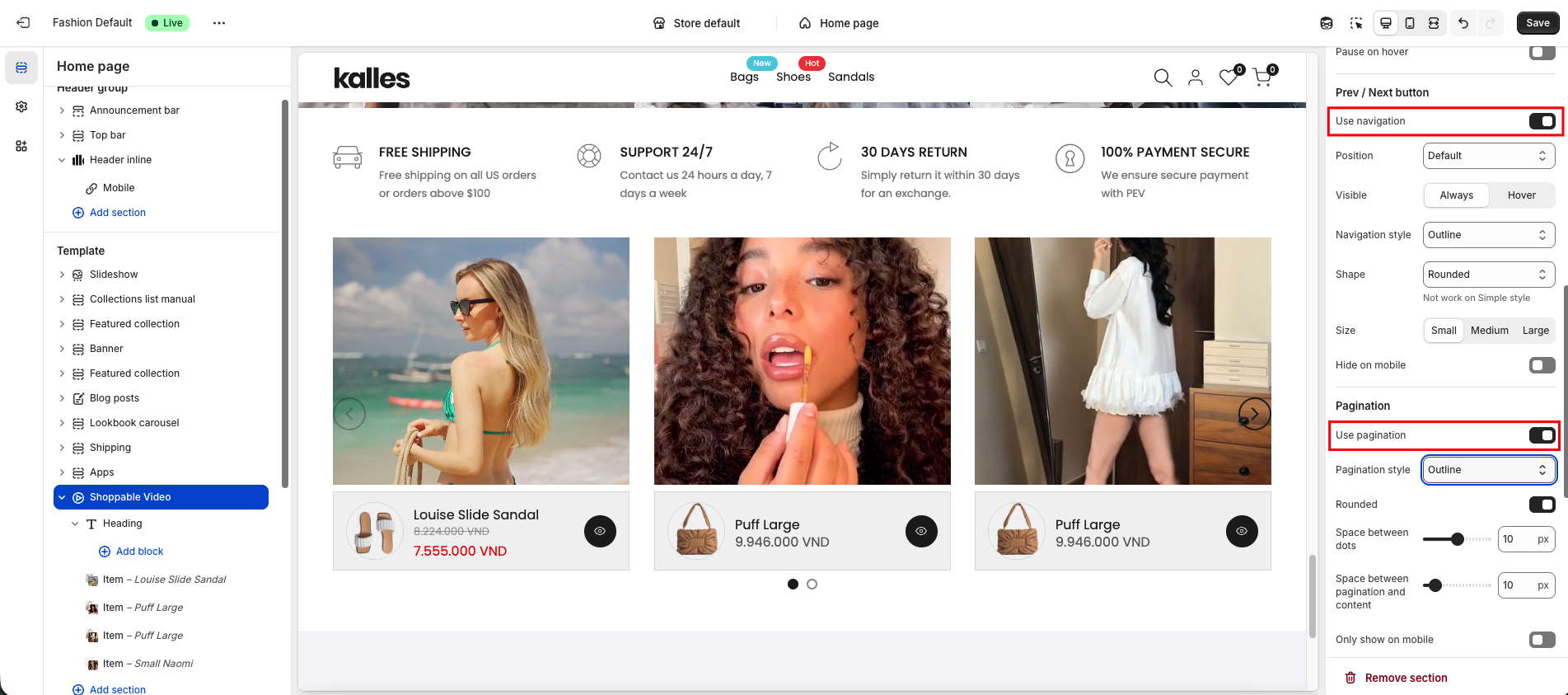
The Shoppable video section lets you easily showcase products directly within your video. Customers can watch and click on tagged products to view details or purchase instantly.
Follow the instructions below to set up this section!
1. Shoppable video style
Currently, there are two styles supported for the Shoppable Video section:
Style 1: Opens a Quick View popup directly on the current page when customers click on a tagged product.
Style 2: Redirects customers to the Product Detail page of the tagged item.
2. How to configure shoppable video?
If you want your video to display in full without being cropped, you can set the Video Height option to Adapt to video.
If your videos have different sizes, it’s recommended to set a Fixed Height. This ensures all videos appear at the same height and look consistent.
When using a video slider, you can enable Pagination and Prev/Next buttons here for easier navigation.