



The Collection List Packery section allows you to display a list of collections using the Packery layout, a free-form masonry grid with flexible item sizes. This layout gives your page a more dynamic and visually engaging look, making it stand out compared to traditional grid styles.
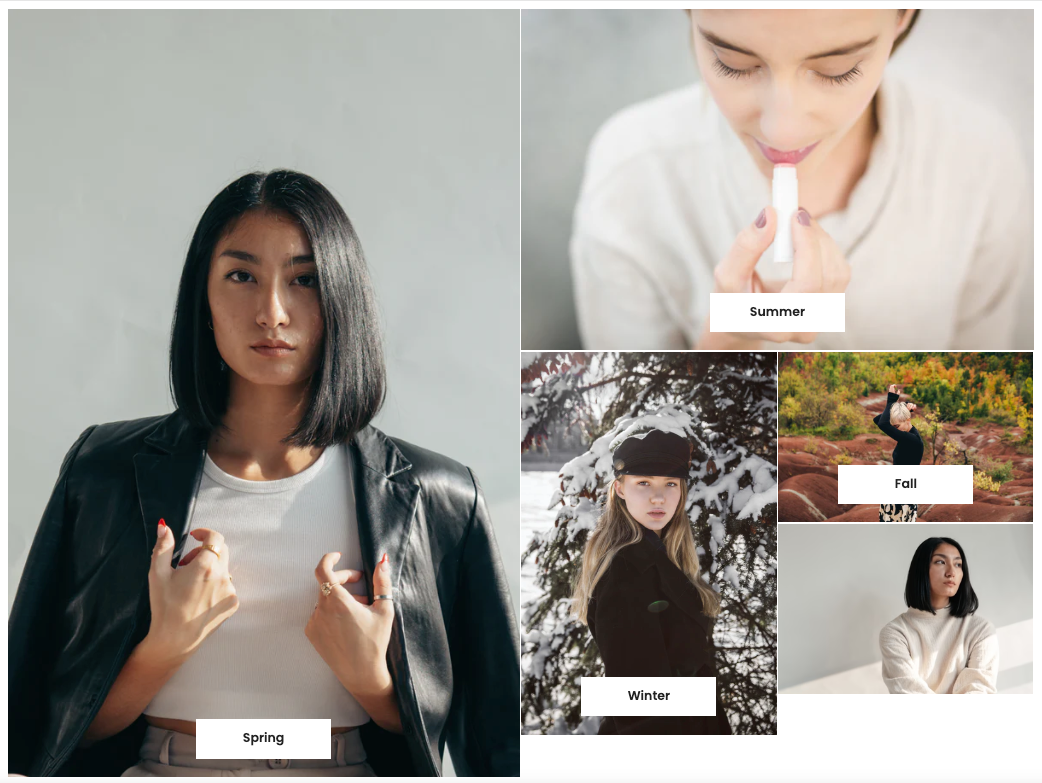
In this section, you will see Collection Items block to add your collections. You can:
Use the images of collections already added in Shopify,
Or upload custom images and URLs for each item.
You can also adjust the width of a collection item, while the height is set automatically.
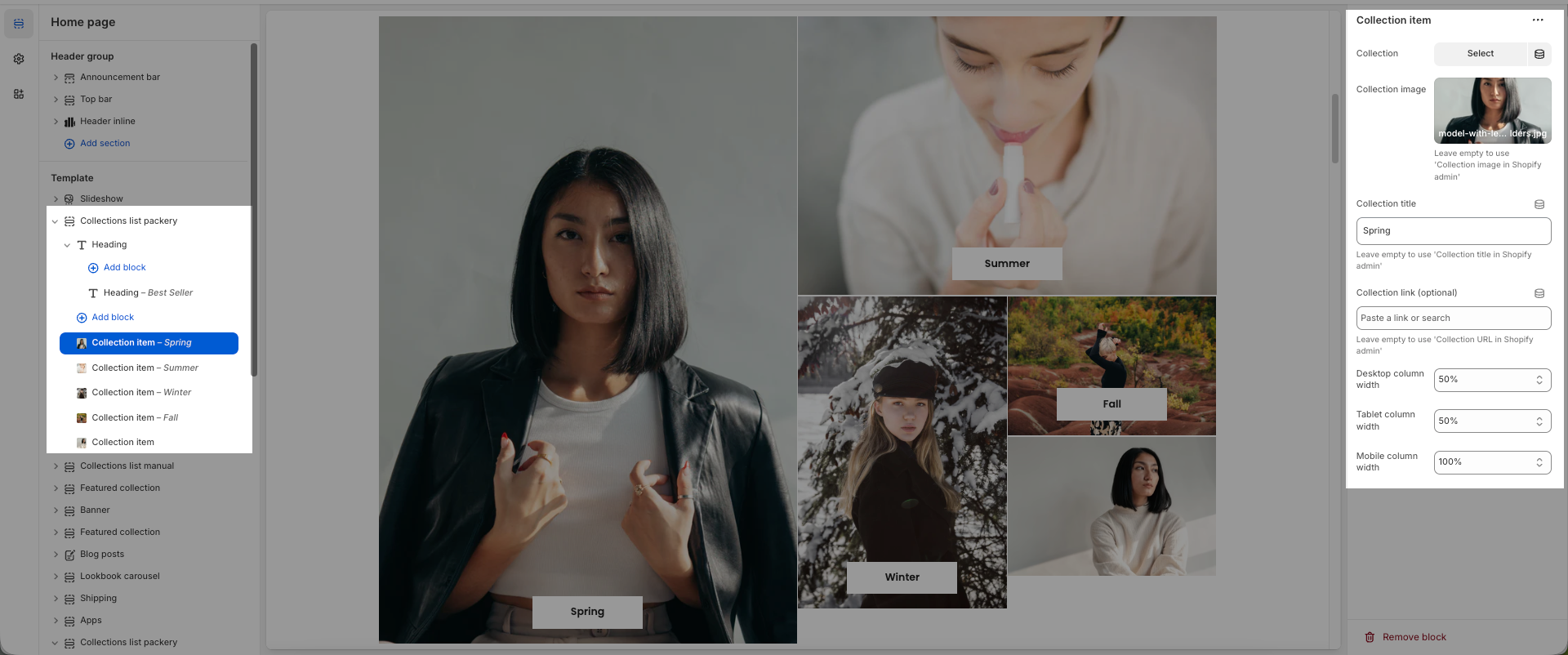
Here are the main settings you should know:
Content Position: Adjust the position of the content within a collection item. You can place it center, bottom, end, or start.
Image Ratio: If you want to display the image without any cropping, select Adapt to image.
Space Between Items: Adjust the spacing between collection items.


