



The Top List Collections section displays your collections in a simple text-only format. Instead of showing images or large blocks, this layout presents collections as a clean, minimal list. Perfect for highlighting key categories in a straightforward.
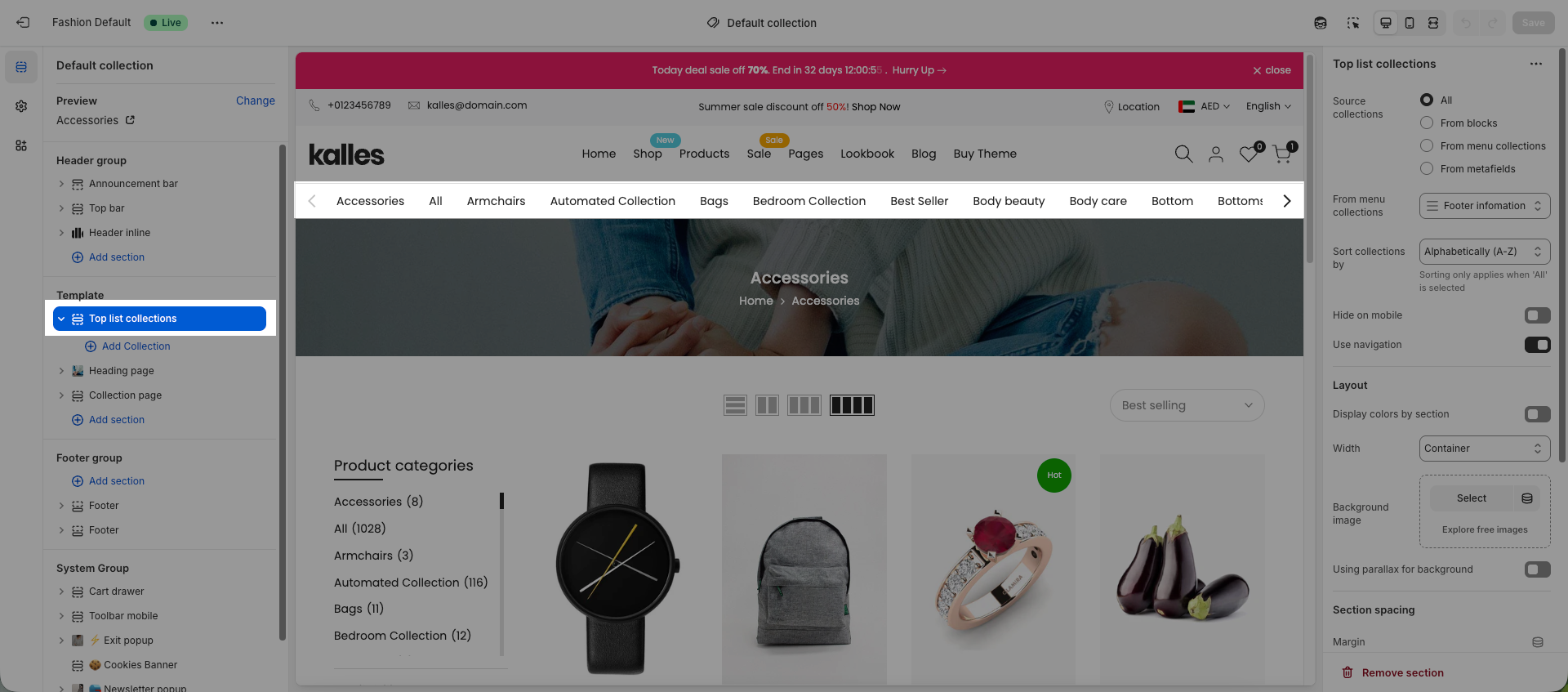
There are 4 ways for you to choose the collection list:
All: it will show all collections you have from Shopify Admin.
From blocks: You can add block to show the collections that you want.
From menu collections: You can choose the list collection from a menu that you have created in Shopify.
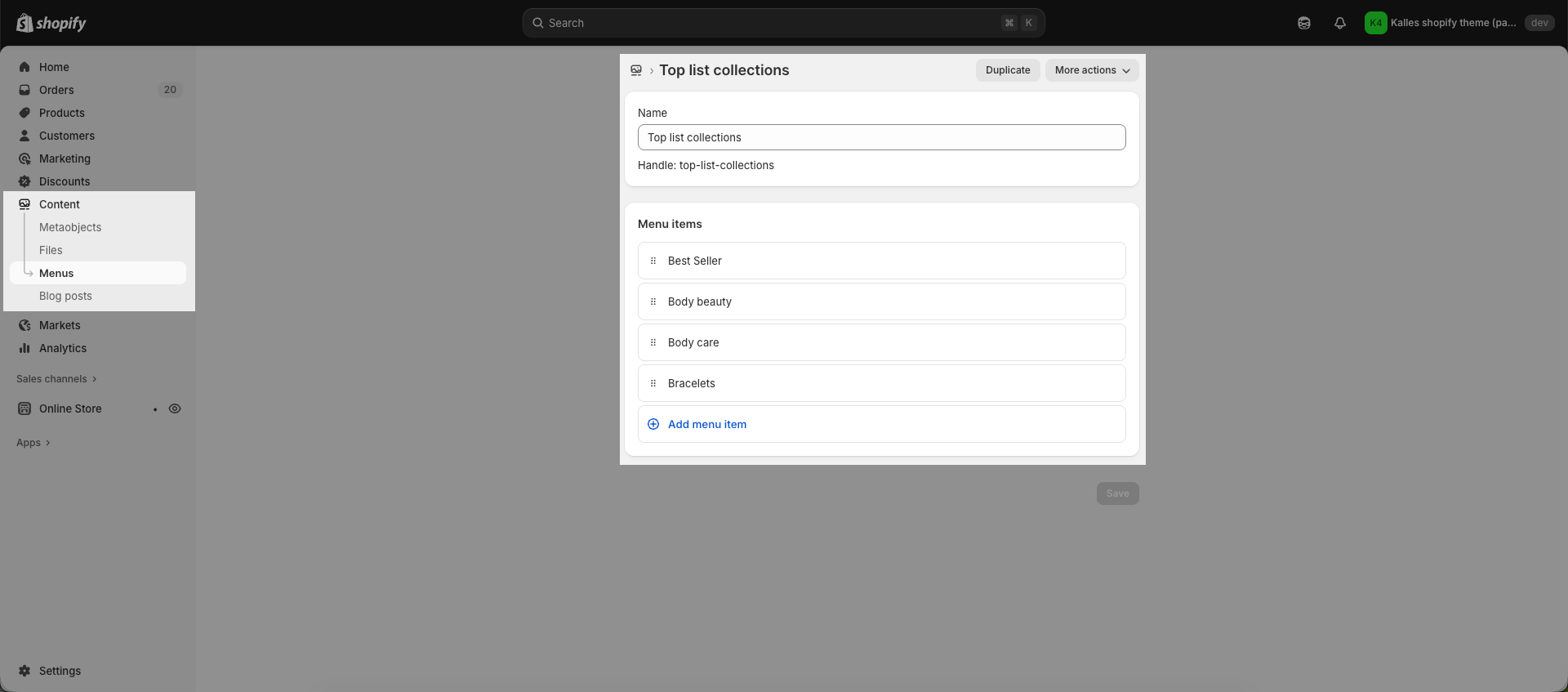
After having a menu for top list collection, you will select that menu to show in top list collection section.
From metafields: You can choose the list collection from a Collection metafield; this way, you can show different top list collections on each collection.
You will create a metafield with the following information:
Namespace and key: theme.list_collections
Type: Collection - List of collections
After creating the metafield, please add the top list metafield value to each collection.
Then, in the Top List Collection section, choose From metafields.


